
This week felt like a real milestone for me.
I made my first truly useful agent, or skill, using Cowork. Up until now, a lot of my AI use has been around thinking, researching, writing, comparing ideas, and testing what these tools can do. That has all been valuable. But this felt different.
This was AI actually doing something for me that saves time, removes friction, and supports something I care about every single week.
And honestly, that felt really good.
The Problem I Wanted to Solve
One of the routines in our home is that I take photos of the meals we eat throughout the week.
It is almost like a family food journal.
My wife is a really good cook. She makes a lot of things from scratch, usually without following recipes, and always with the goal of keeping meals healthy, budget conscious, and enjoyable for the kids. Over time, these photos became really useful for capturing what our week looked like and for helping me write newsletter posts and blog content around our meals.
But the part I did not enjoy was the organizing.
I would have to look through the photos, figure out what meal each one was, remember which day we ate it, decide whether it was breakfast, lunch, or dinner, rename the files, and then connect all of that back to the post I wanted to write.
That part felt like work I had to do before I could get to the part I actually enjoy.
What I Built
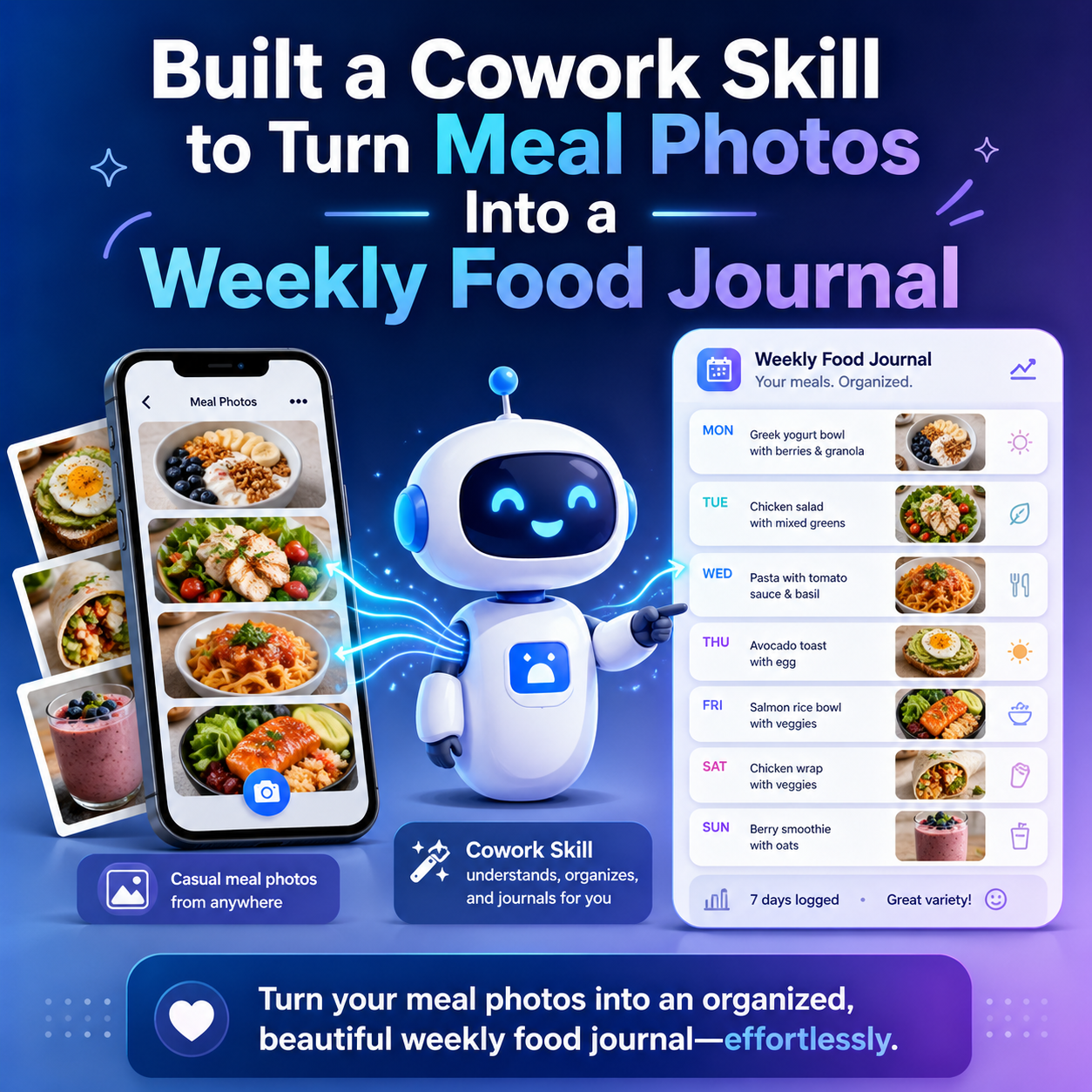
So I created a multi step skill in Cowork.
The process starts with me manually moving the weekly meal photos into a Dropbox folder and sharing that folder with Cowork. Once I run the skill, it goes through each photo using the date and timestamp and starts building the structure for me.
It looks at the image and logs it into a journal.
It identifies whether the meal was breakfast, lunch, or dinner.
It matches it to the day based on when the photo was taken.
It gives the meal a name based on what it sees in the photo.
Then it adds that information into the journal so I do not have to sort through everything myself.
I also asked it to go a step further.
I wanted it to estimate the preparation time for the meal and also estimate the calorie count per serving. Those are not things I would usually spend time calculating on my own, but they are helpful details and add more value to the journal.
And then one more thing that ended up being really useful.
I had it rename each photo to the meal name.
That may sound small, but it makes a big difference. When I am writing a newsletter or posting to the site, I can find the right photo much faster and match it to the description without digging through a bunch of generic image filenames.
It Actually Worked
What made this especially satisfying is that it actually worked well.
I tested the skill, and the tests looked good. Then this past week was the first time I used it on a fresh set of weekly photos in a real situation, and it came out great.
That was the moment where it clicked for me.
This was not just another AI conversation.
This was not just asking questions or learning something new.
This was AI handling a real task for me, in a repeatable way, and doing it well enough that I would actually want to keep using it.
That feels like a different stage.
Why This Was a Win for Me
What I realized is that the part I enjoy most is not the sorting, labeling, and moving around of files.
What I really like is creating the actual post.
I like adding insight. I like sharing thoughts on how the week went. I like reflecting on the meals, what stood out, what the kids liked, and what made the week feel busy, fun, or memorable.
That is the part that feels creative and meaningful to me.
The organizing part is just overhead.
So having AI take on that overhead felt like a genuine win.
It saved me time doing something I do not really want to do, and it helped me spend more of my time on the part I actually care about.
That is probably one of the clearest examples I have had so far of how AI can fit into real life in a practical way.
This Is the Kind of AI Use That Matters
A lot of times when people talk about AI, the focus is on what it knows, what it can write, or how advanced the model is.
That is interesting, but I think what matters more over time is whether it can actually do useful work for you.
Can it remove friction
Can it take care of repetitive steps
Can it help you move faster on something meaningful
Can it support a workflow you already care about
That is what this did for me.
It took a process that was annoying and time consuming and turned it into something much easier. It let me keep the value of the photos and the journal without having to do all the manual cleanup work myself.
That is real usefulness.
Why I Feel Accomplished
I think part of why this stands out to me is because I built it myself.
It may not be some giant enterprise workflow. It may not sound flashy. But it solves a real problem in my own routine, and it solves it in a way that I can immediately feel.
That makes it meaningful.
For me, this was a huge success.
It reminded me that AI does not have to stay in the discussion phase. It does not have to remain something you just talk about, experiment with, or learn from. It can actually become something that works for you behind the scenes and helps you create more of what you care about.
That is what happened here.
And honestly, I feel really accomplished because of it.
This felt like one of the first times I could clearly say that AI is not just helping me think better.
It is helping me do better.